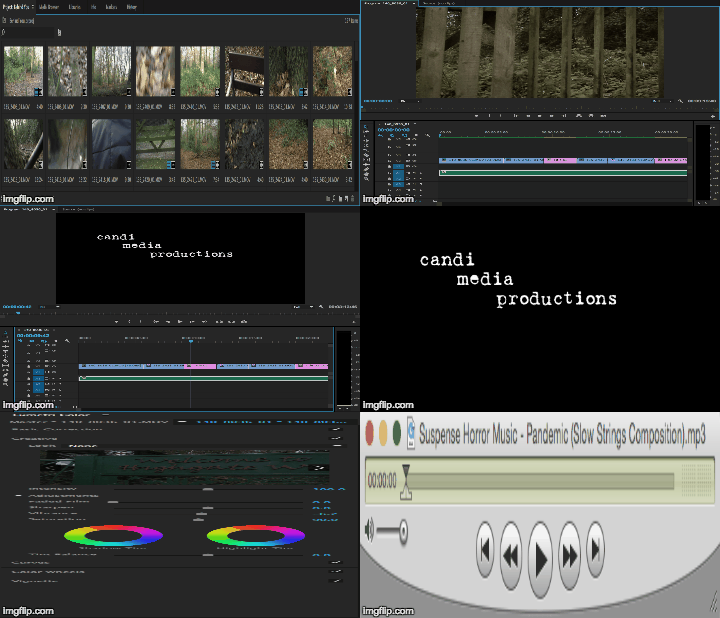
2. Secondly, I inserted the titles between the shots. I used titles on a black screen as it helped to create suspense and unknowing of the next shot.
3. Thirdly, I went onto youtube and did a google search for 'royalty free horror suspense music'. After some time searching through copyright free music I found a suitable track to use in my title sequence.
4. After, I started to edit the colours of my shots through the process of colour grading. I found that I was able to create a film look by making the shots slightly dark and giving them a green/red filter.
Here is a gif of the editing from premiere
Here is a gif of the editing from premiere

No comments:
Post a Comment